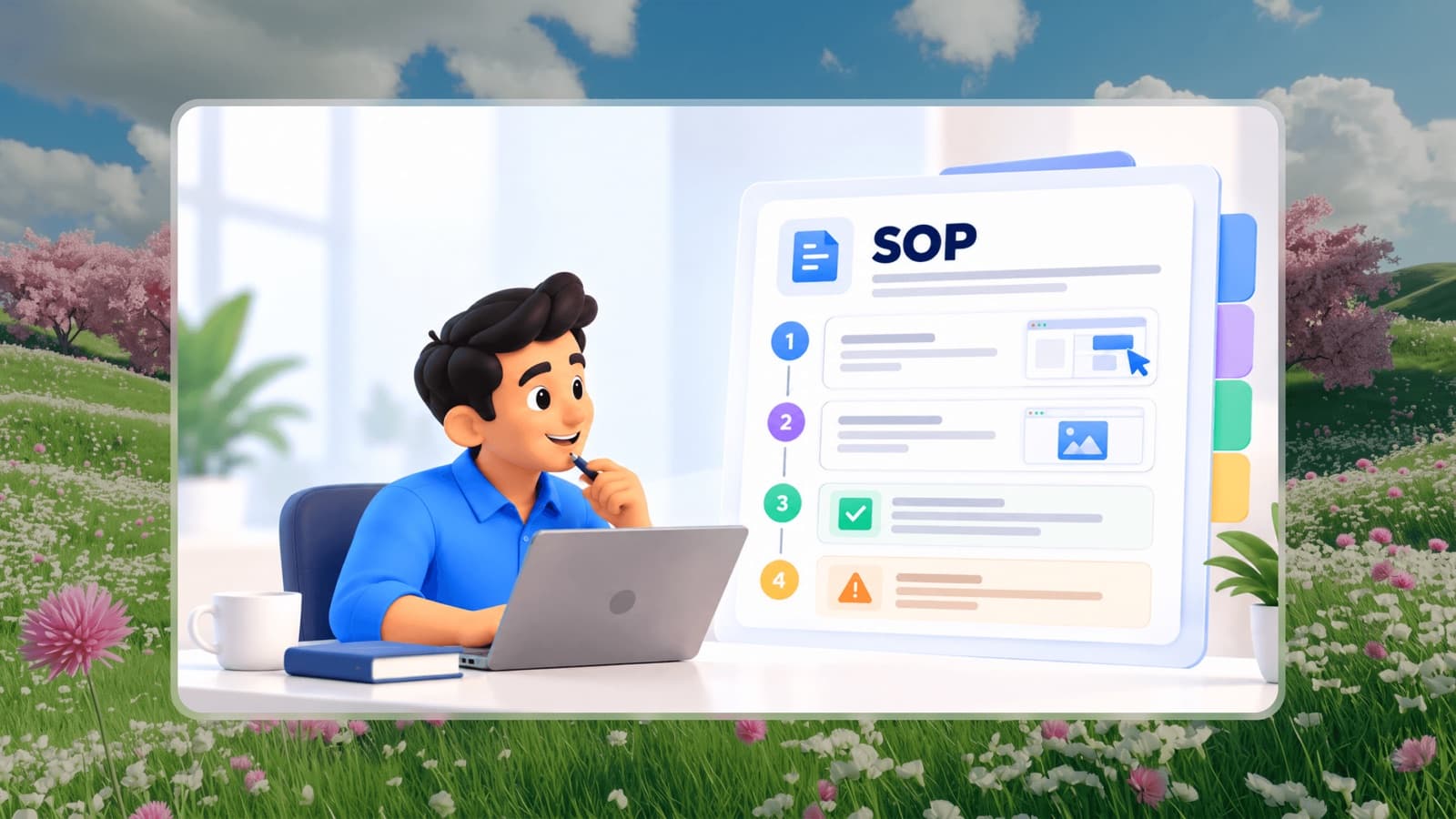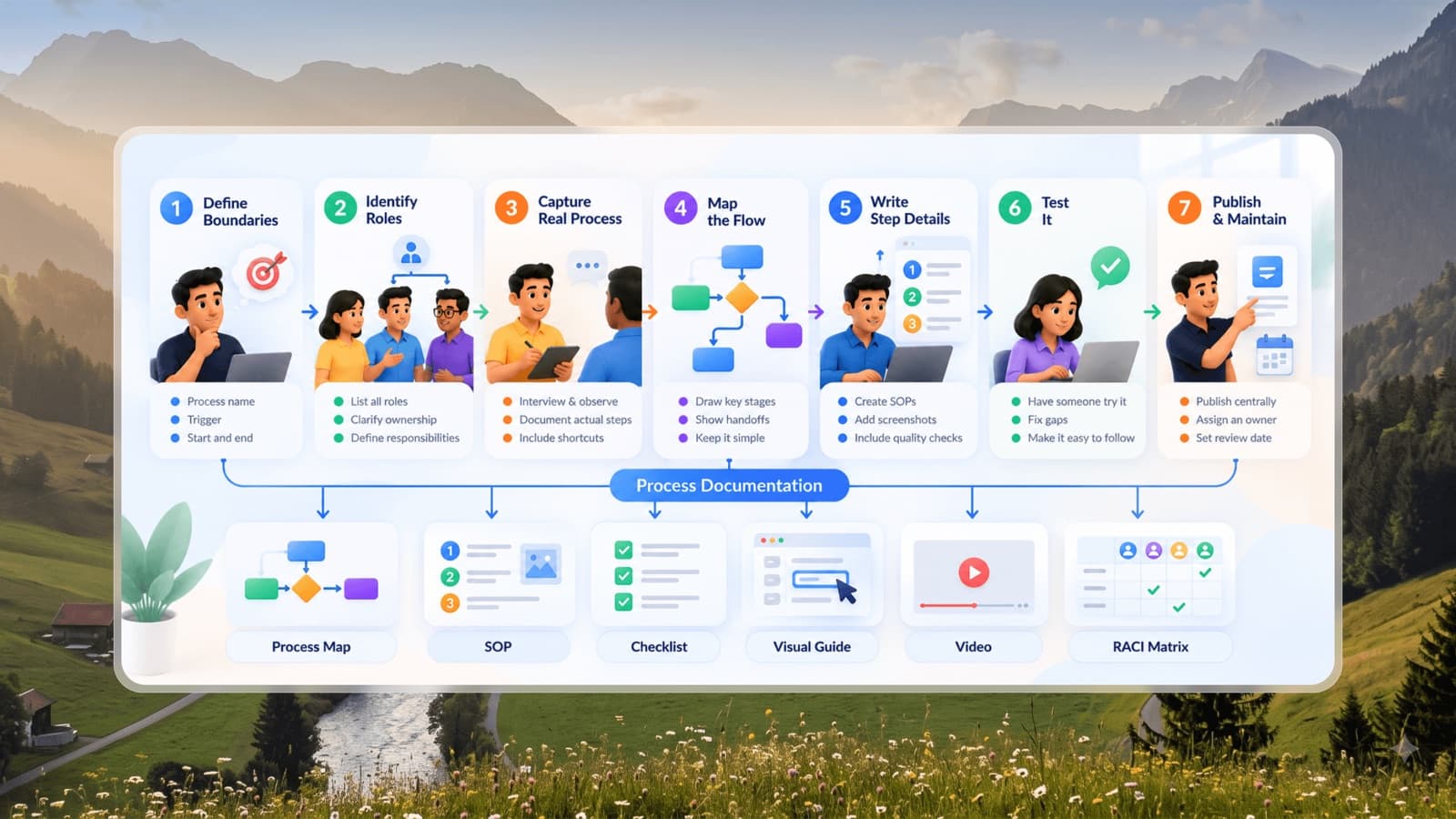

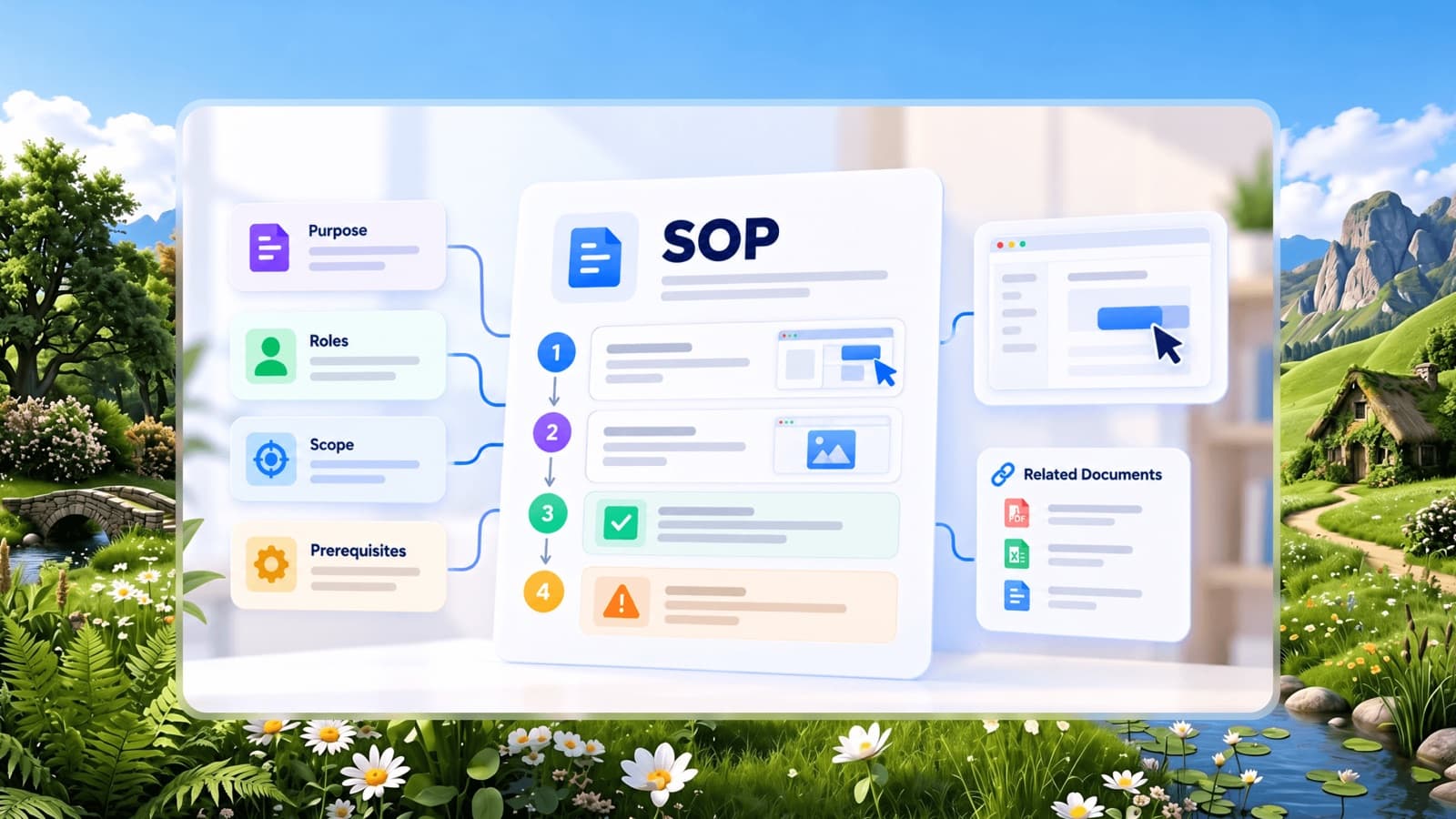
A standard operating procedure (SOP) is a written, step-by-step instruction for completing a routine task the same way every time. Good SOPs let a new hire do the job correctly much sooner. Bad SOPs sit in a shared drive, unread, while people keep asking the one colleague who "just knows".
This guide walks through how to write an SOP that people actually use - which processes to document first, what to include, how to format it, and how to keep it from going stale.
What makes an SOP useful
Before writing anything, it helps to know what separates a useful SOP from a document nobody opens:
- It is specific to one task. "Month-end closing" is a process area. "Reconcile the bank account in Tally at month end" is an SOP.
- It is written for the person doing the work, not for an auditor or a manager.
- It can be followed without asking anyone. If a reader has to message someone to finish, the SOP is incomplete.
- It is easy to find at the moment the task comes up.
- It has an owner who updates it when the process changes.
Keep these five tests in mind; every step below serves one of them.
Step 1: Pick the right process to document first
You cannot document everything at once, and you shouldn't try. Start with processes that score high on at least two of these:
- Frequency - done daily or weekly by several people.
- Cost of mistakes - errors cause refunds, compliance issues, safety risks or angry customers.
- Dependency on one person - only one employee knows how to do it.
- Onboarding load - every new hire needs to learn it.
Typical first SOPs for a small business are customer order processing, invoice creation, handling refunds or complaints, opening and closing checklists, and new employee setup.
Step 2: Talk to the person who does the task best
The most accurate SOPs come from watching the task being done, not from memory. Sit with the person who performs it most reliably and ask them to talk through each action while they do it. Note:
- The trigger - what starts the task (an email, a time of day, a customer request).
- Each action, in order, including clicks, fields and approvals.
- Decisions - "if the amount is over 50,000, send it to the manager first".
- Common mistakes and how they spot them.
- What "done" looks like.
Screen recording tools or a browser extension that captures clicks automatically can make this step much faster.
Step 3: Define scope, owner and audience
Every SOP should open with a short header block so readers know immediately whether they are in the right place:
The owner field matters more than it looks. An SOP without an owner is out of date the day the process changes.
Step 4: Write the steps
This is the core of the document. A few rules make steps much easier to follow:
- Start every step with a verb. "Open the order", "Check the payment status", "Click Refund".
- One action per step. If a step contains "and then", split it.
- Number the steps. Numbers let people say "I'm stuck at step 6".
- Put decisions in the step where they happen. "If the item was used, go to step 9. Otherwise continue."
- Use the exact names people see on screen, in bold: click Issue refund.
- Add a screenshot or photo for any step that involves finding something. Visual steps are faster to follow than paragraphs of description.
Here is a short example:
- Open Orders and search for the order number from the customer's email.
- Check that Payment status shows Paid. If it shows Pending, stop and reply using the "Payment pending" template.
- Click Refund at the top right of the order.
- Enter the refund amount. For partial refunds, deduct shipping only if the customer changed their mind.
- Select the reason and click Refund.
- Reply to the customer using the "Refund confirmed" template and close the ticket.
Step 5: Add the context people need
Steps alone are not always enough. Add short sections where they help:
- Before you start: access, tools or information needed.
- Warnings: anything that could cause loss, damage or a compliance breach.
- Troubleshooting: the three or four problems people actually hit, with fixes.
- Related SOPs: what usually happens before and after this task.
Keep these brief. If context grows longer than the steps, split it into a separate reference document.
Step 6: Test the SOP with someone new
The only real test of an SOP is whether someone who has never done the task can complete it using only the document. Ask a new or less experienced team member to follow it while you watch silently. Every time they hesitate, ask a question or make a mistake, the SOP needs a fix - not the person.
Keep testing until someone new can finish without help.
Step 7: Publish it where the work happens
An SOP that lives in a folder called "Final SOPs v3" will not be used. Put SOPs:
- In a central, searchable company handbook, organised by role and department.
- Linked from the tools where the task happens - for example, a link in the ticketing tool's macro.
- In each role's onboarding checklist, so new hires meet them in week one.
Step 8: Review and update on a schedule
Processes change quietly: a new software version moves a button, a policy changes, a step becomes unnecessary. Decide how often to review it based on risk - quarterly for high-risk or frequently changing processes, yearly for stable ones - and make updating the SOP part of any process change.
A simple rule works well: whoever changes the process updates the SOP before the change goes live.
Common SOP mistakes to avoid
- Writing for compliance instead of use. Long legal language makes SOPs unreadable. Keep policy in the policy document and actions in the SOP.
- Documenting the ideal process, not the real one. If the team actually does it differently, either fix the process or document reality.
- Too much in one document. A 30-page SOP is really ten SOPs.
- No visuals. Describing where a button is takes a paragraph; a screenshot takes a glance.
- No owner and no review date. Outdated SOPs are worse than none, because people stop trusting all of them.
A simple SOP checklist
Before publishing, check that your SOP:
- Covers exactly one task with a clear trigger and end point
- Names the role that performs it and an owner who maintains it
- Uses numbered steps that each start with a verb
- Shows decisions inside the relevant step
- Includes screenshots for steps that involve finding something
- Has been tested by someone who had never done the task
- Is stored where the team already looks for help
- Has a review date
Once your first five SOPs pass this checklist, you'll notice fewer repeated questions - and a much easier time training new employees.