
Piplhr
100% FreeNo signup · PNG & PDF export

Free Org Chart Maker

Build a clear, professional organizational chart. Start from a template, click any box to edit, and download your chart as PNG or PDF - no account needed.

Tip
Click any box to open its menu

Start from a template

Drag the chart to move around, and use the bar above it to zoom, center or start over.

How it works

How to make an org chart in 4 steps

A small team's chart can be ready in one sitting.

  1. 01

    Pick a starting point

    Choose an industry template - startup, restaurant, hospital, school and more - or start from a blank chart.

  2. 02

    Click a box to edit

    Rename the company, people and job roles right on the chart.

  3. 03

    Add teams and people

    Open any box's menu to add a team or a person beneath it. Delete a box and its branch goes with it.

  4. 04

    Download and share

    Export a PNG for slides, or an A4 PDF ready to print, email or pin on the office wall.

Why Piplhr

Everything you need, nothing you have to pay for

Free, no signup

No account, no credit card, no trial timer. Open the page and start building.

Industry templates

Ten ready-made structures based on how these businesses are usually organised.

Teams and people

Group people into colour-coded teams with headcounts that update as you build.

Clean, professional look

Avatars, job roles and tidy connectors that read well on a slide or on paper.

PNG and PDF export

A sharp image or a print-ready A4 PDF of the whole chart.

Grows into a system

When you're ready, turn the chart into living job roles, SOPs and onboarding in Piplhr.

What is an org chart?

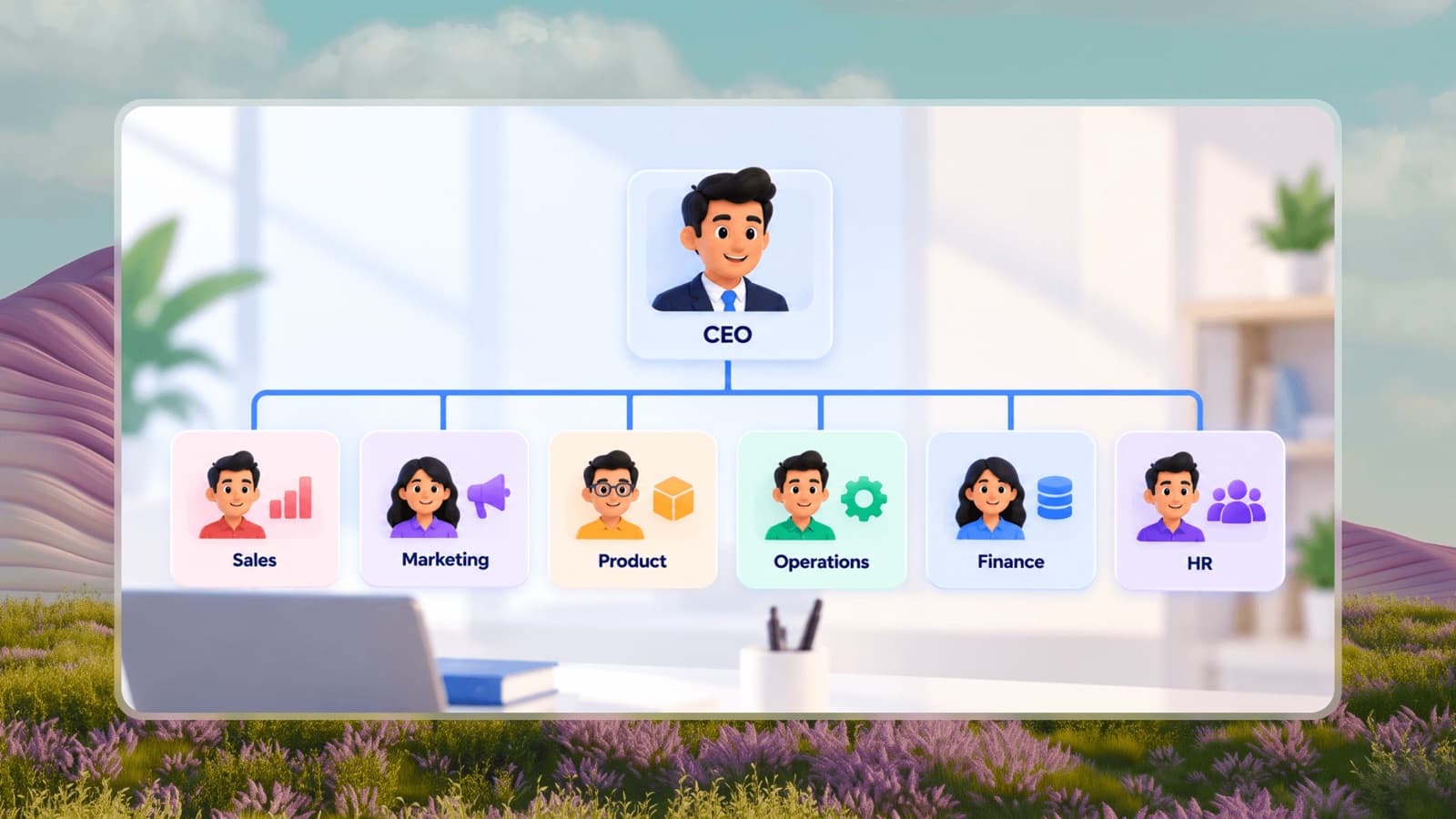
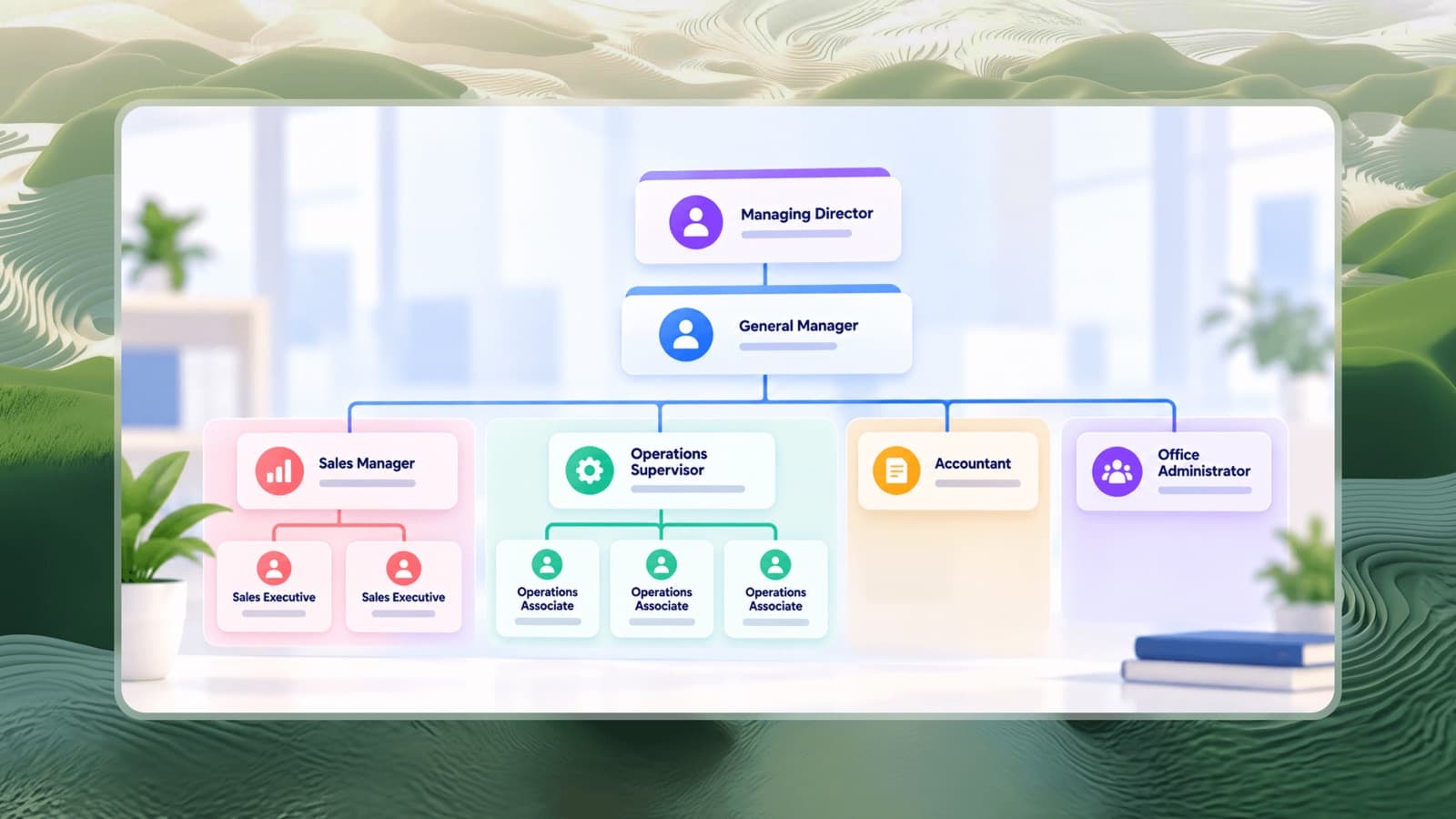
An org chart (organizational chart) is a diagram of how a company is structured: who works there, what their role is, and who each person reports to. The top of the chart is usually the founder, owner or CEO; each line down shows a reporting relationship.

A good org chart answers the questions new hires and growing teams ask every day - who approves this, who owns that, and who do I go to when my manager is away. It is also the first step towards defining clear roles and responsibilities for every position.

Who uses an org chart maker?

  • Founders and business owners mapping who owns what as the team grows beyond the first hires.
  • HR teams preparing onboarding packs, handbooks and restructuring plans.
  • Managers planning headcount and showing open positions to leadership.
  • Consultants and students documenting a company's structure for a report or presentation.

Guides to help you build a better structure

Frequently asked questions

Is this org chart maker really free?

Yes. You can build, edit and download org charts with up to 300 boxes without creating an account or paying anything. Create a free Piplhr account when you want to save your chart, share it with your team or link it to job roles and SOPs.

Do I need to sign up to download my org chart?

No. Both the PNG and PDF downloads work without an account. The chart isn't saved, so download it before you refresh or leave the page.

How do I make an org chart for my company?

Start with the template closest to your business, rename the company and leader, then work down one team at a time: add each department as a team, add its head, and add the people who report to that head. Finish by checking that every person has exactly one manager, then download it.

What is the difference between a team box and a person box?

A team box groups people into a department or unit, such as Sales or Kitchen, and shows how many people sit under it. A person box is an individual with a name and job role. People can sit under teams, and teams can sit under a person who leads them.

Is my org chart saved?

No. The free maker keeps your chart only while this page is open - refreshing or leaving the page starts over, and the page warns you first. Download a PNG or PDF to keep a copy, or create a free Piplhr account to save your org chart and keep editing it any time.

Can I use it on my phone?

The editor is made for laptops and desktop computers, where there is room to see and edit the whole chart. Open it in Chrome, Edge, Brave or Opera on your computer. On a phone you can still browse every template as a ready-made chart on the templates pages.

What should an org chart include?

At minimum: every person's name, their job title, and a line to the one person they report to. Good org charts also group people into departments and show open positions, so the chart doubles as a hiring plan.

Your chart is the start.Turn it into a system your team runs on.

Build Your Organization Free