
Piplhr
TrainingTraining & Onboarding

Train every employee on their role - and see who's done it

Turn your company knowledge into role-based training: information, policies and processes organised as chapters, with tests and a dashboard that shows progress for every person, team and job role.

  • Role-based chapters
  • Policies & SOPs
  • Tests
  • Progress by team & role
  • Mobile app for employees
01

Training content organised the way people learn

Group knowledge into chapters by subject - company information, policies and processes - and connect them to the job roles that need them.

  • Training documents and process SOPs in one library
  • Chapters grouped by information, policy and process
  • Role-based handbooks so people see what's relevant to them
02

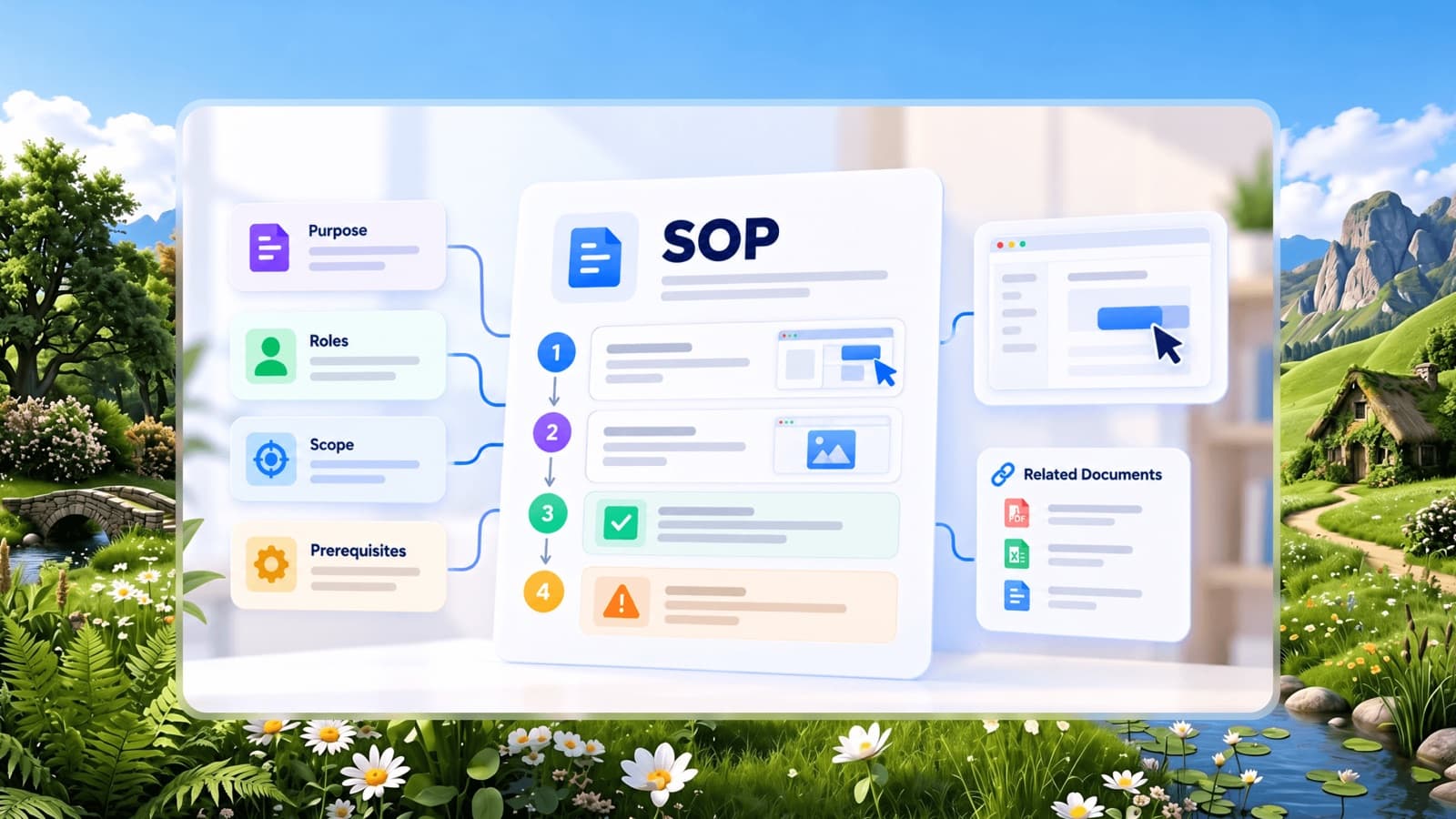
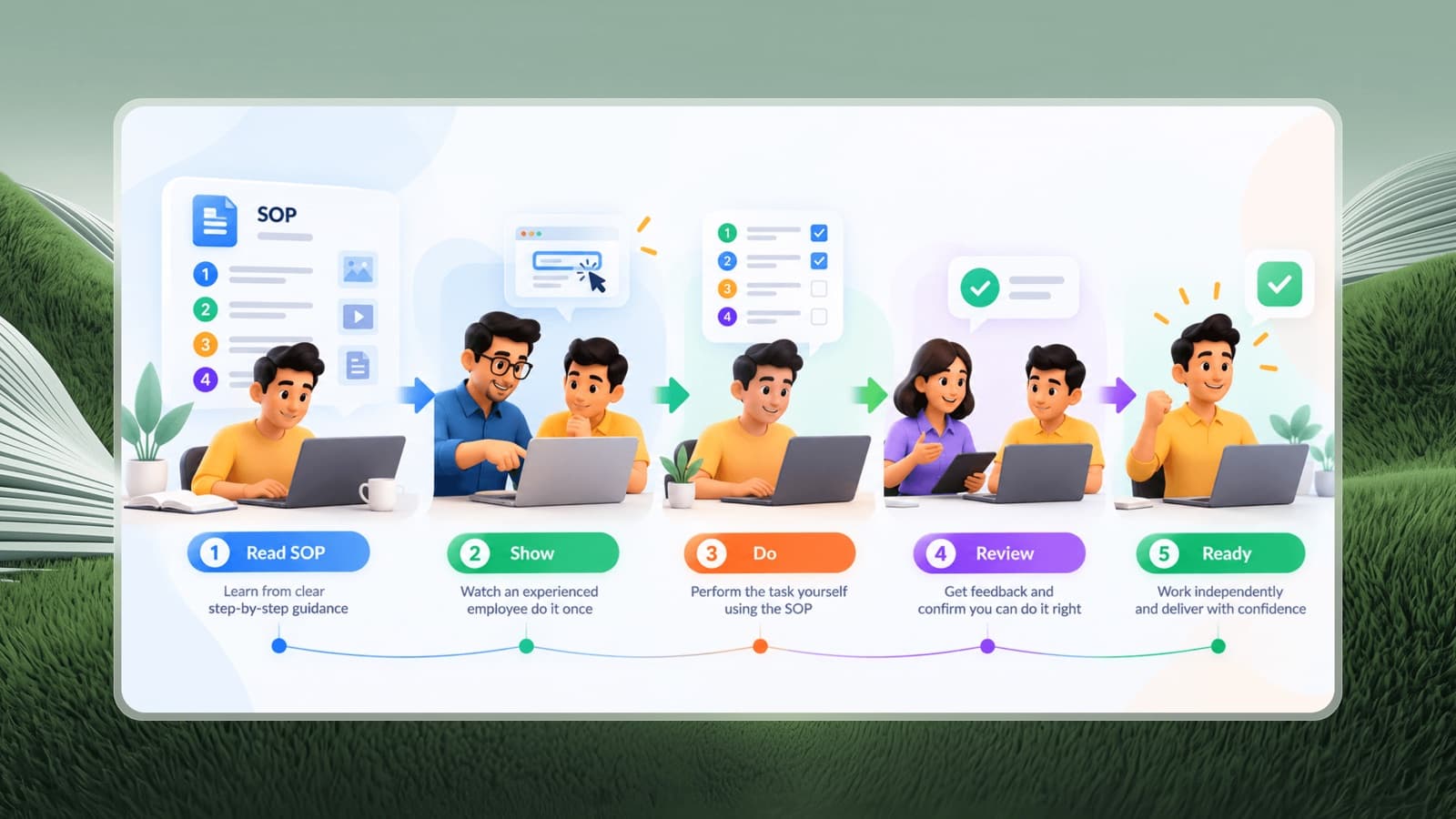
Step-by-step SOPs people can follow on their own

Capture processes as visual, step-by-step guides - or let Pia turn a voice note into an SOP draft - so training doesn't depend on who is free to explain.

  • Visual SOPs with annotated steps
  • SOP drafts from voice with Pia AI
  • Browser extension to capture processes as you work
03

Know exactly who is trained

The training dashboard shows overall completion and drills into teams, job roles and individual employees, with test progress and top performers.

  • Overall training completion at a glance
  • Progress by team, job role and employee
  • Test progress and top performers

How it works

Get started with Training in three steps

  1. 1

    Build the library

    Add your policies, processes and SOPs.

  2. 2

    Connect to job roles

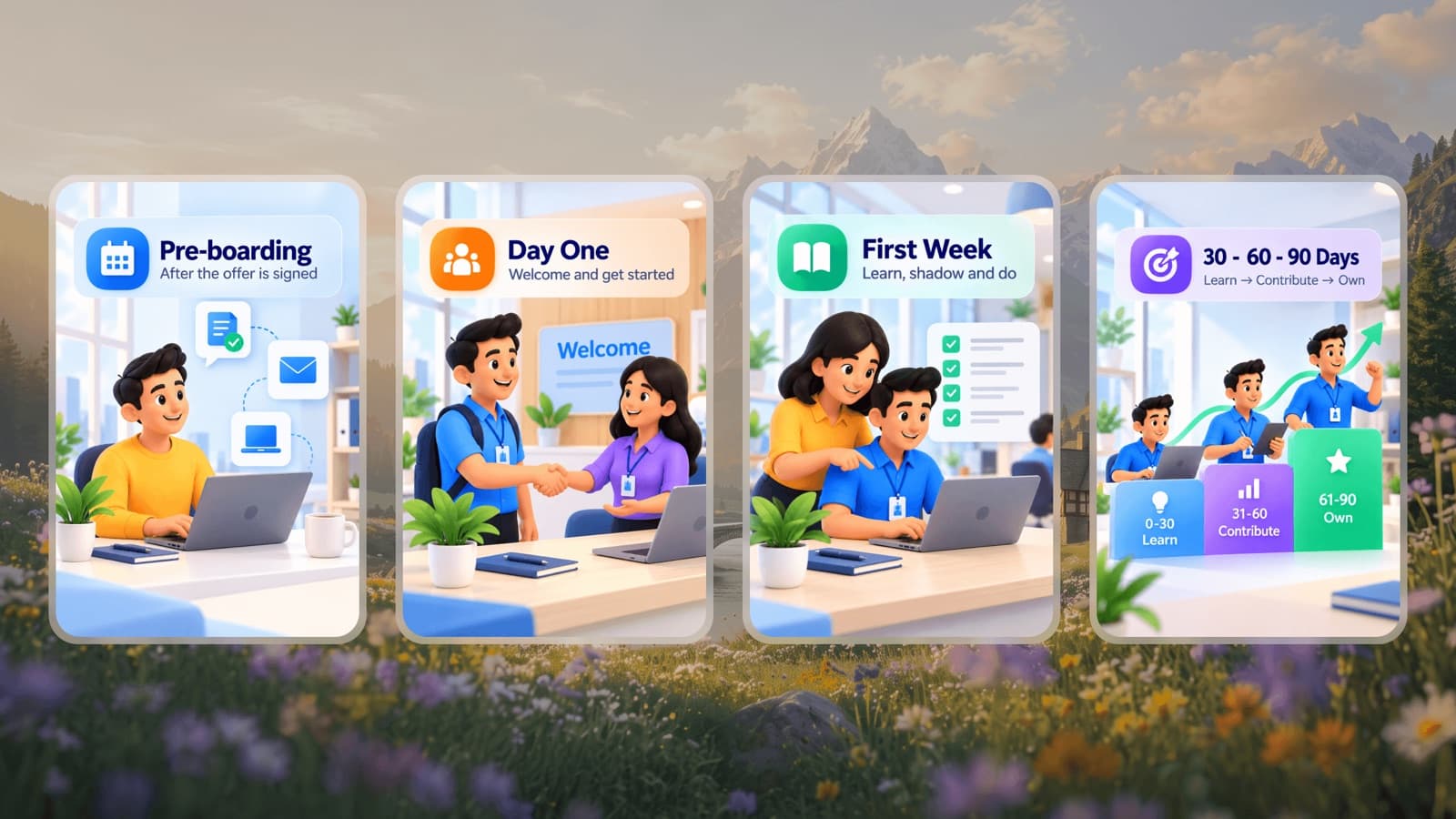
    Assign chapters to the roles that need them, so every new hire gets the right path.

  3. 3

    Track completion

    Watch progress by person, team and role, and follow up where it's stuck.

Who it's for

  • HR and L&D teams who need proof that every employee has completed required training.
  • Operations leaders who want consistent execution across shifts, outlets or sites.
  • Founders who are tired of explaining the same process to every new hire.

Popular roles

Free job descriptions, specifications and KPIs you can start from.

Training FAQs

Can employees access training on mobile?

Yes. Admins manage training on the web app and employees can learn from the Piplhr mobile app.

Can I track training progress by department?

Yes. The training dashboard shows completion overall and by team, job role and individual employee, along with test progress.

Do I need to write all SOPs from scratch?

No. You can capture processes with the browser extension, or have Pia AI draft an SOP from a voice recording, then edit it.

Related guides

Your company is growingis your organization ready?

Build Your Organization Free