


Piplhr
HiringHiring & Recruitment

Hire the right people - straight from your job roles

Publish openings from the JD you already wrote, collect applications on your own careers page, move candidates through your pipeline and schedule interviews without spreadsheets.

  • Job openings from job roles
  • Careers page & apply form
  • Custom pipeline stages
  • AI screening questions
  • Interview calendar
01

Job openings built on real job roles

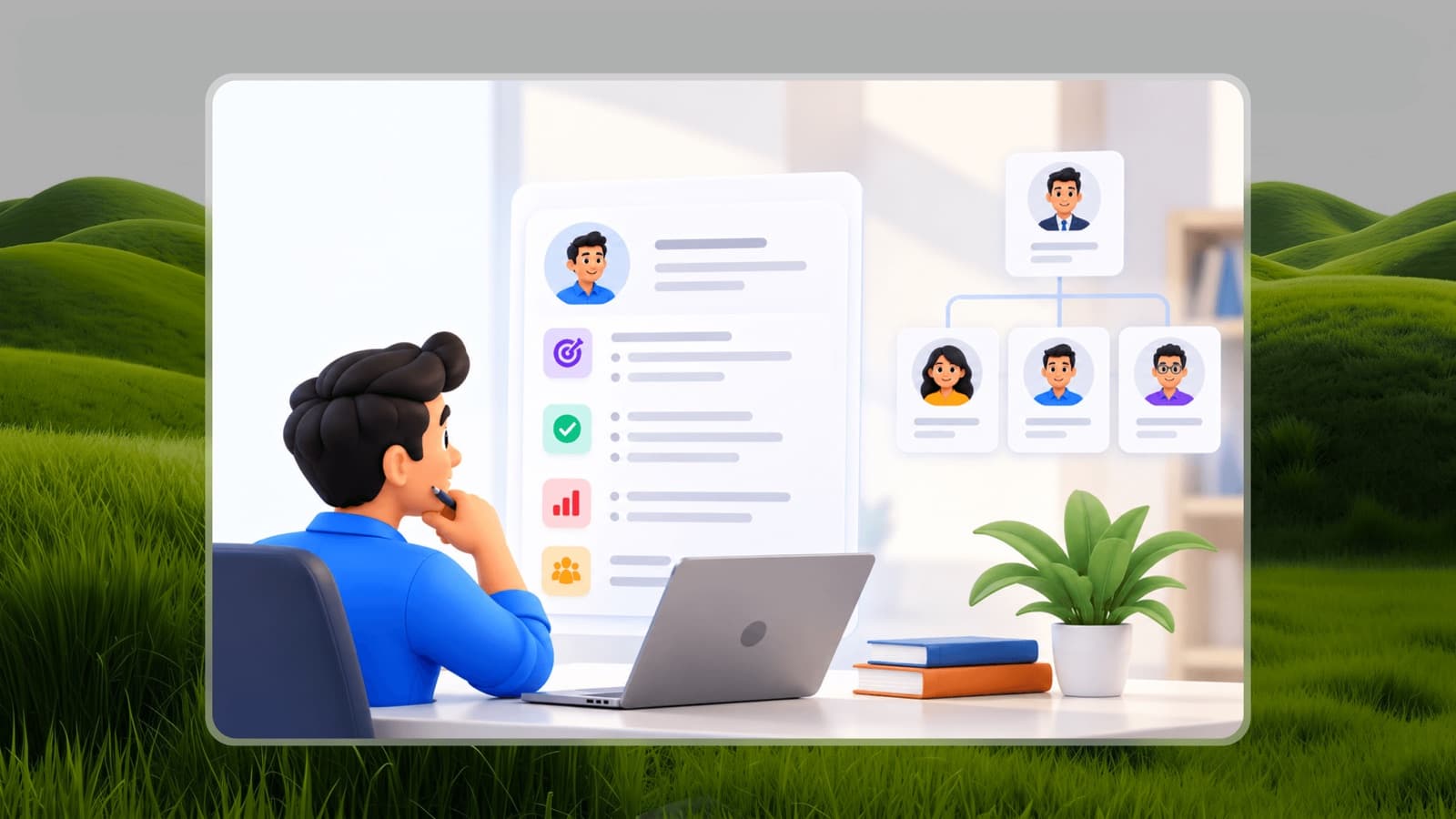
Every opening starts from a job role with its responsibilities, skills and job information already defined - so what candidates read is what the job really is.

  • Create an opening from any job role in your workspace
  • Salary range, experience, location, shift and working hours in one place
  • Draft, publish and close openings as hiring needs change
02

A careers page and application forms that fit the role

Candidates apply through a simple step-by-step form. Build application forms per role so you collect exactly what you need to decide.

  • Public job pages with a guided apply wizard
  • Custom form templates for different roles
  • Applications land directly in your pipeline
03

A pipeline your whole team can follow

Define the stages candidates move through - screening, interviews, offer - and see every candidate's status, notes and history at a glance.

  • Custom pipeline stages and activities
  • Candidate profiles with notes and a full timeline
  • Activity logs so nothing happens off the record
  • Hiring dashboard across all openings
04

Screening and interviews, prepared by Pia

Generate screening question sets and interview questions for a role with Pia AI, then schedule interviews on a shared calendar.

  • AI-generated screening question sets per role
  • Interview and pre-interview question preparation
  • Interview scheduling in calendar or list view

How it works

Get started with Hiring in three steps

  1. 1

    Pick the job role

    Choose an existing role - its JD and job specification carry over to the opening.

  2. 2

    Publish and collect applications

    Share the careers link; applications flow into the pipeline with your form's answers.

  3. 3

    Screen, interview and hire

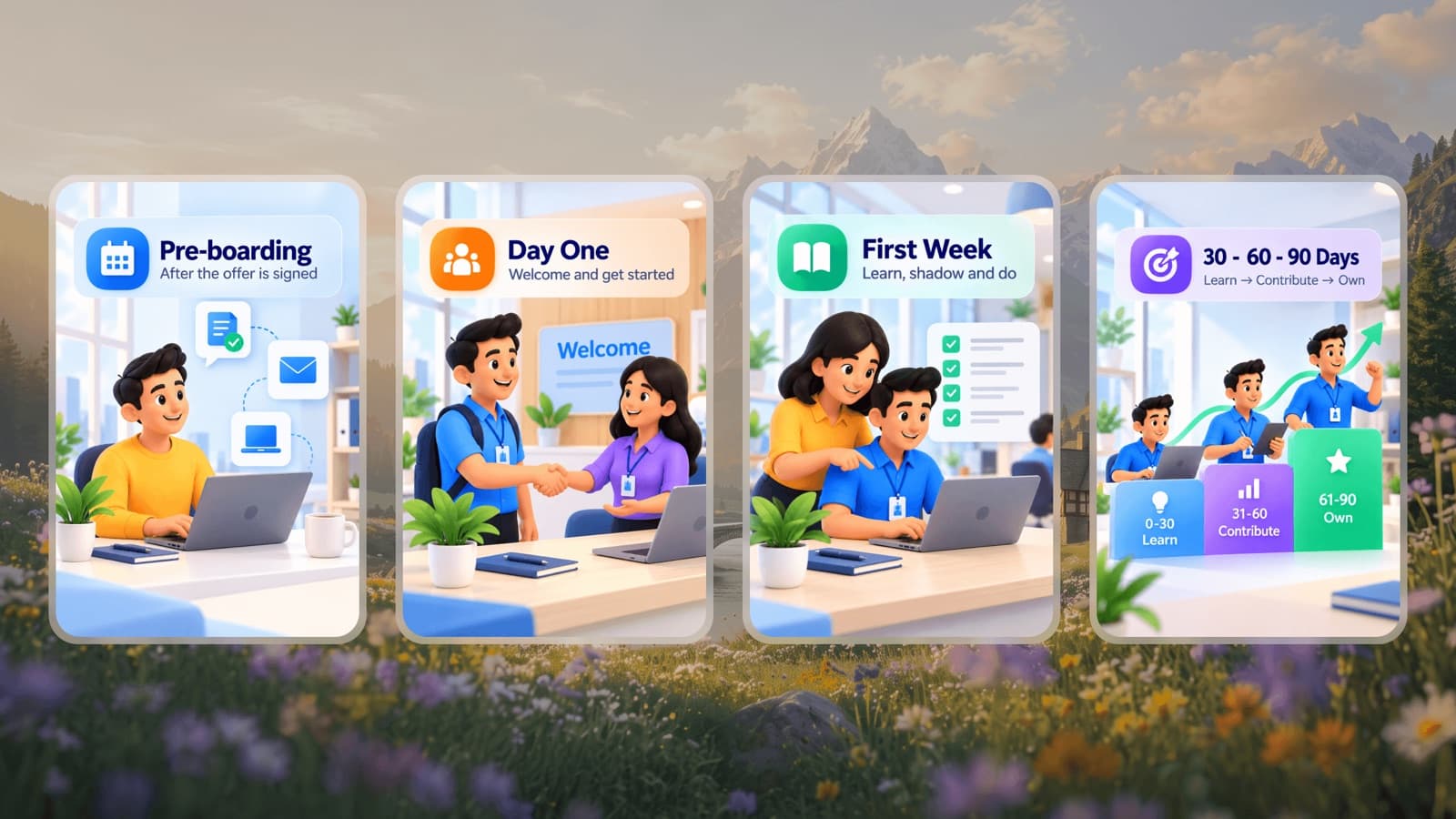
    Move candidates through stages, schedule interviews and hand the new hire straight to onboarding.

Who it's for

  • Founders and owners who hire without a dedicated recruiter and need a simple, structured process.
  • HR teams running several openings at once who want one pipeline instead of inboxes and sheets.
  • Hiring managers who want consistent screening and interview questions for every candidate.

Popular roles

Free job descriptions, specifications and KPIs you can start from.

Hiring FAQs

Is Piplhr an applicant tracking system?

Yes. Piplhr Hiring includes job openings, a careers page with application forms, a candidate pipeline with custom stages, candidate notes and timelines, screening question sets, interview scheduling and a hiring dashboard.

Can I use my existing job descriptions?

Yes. Openings are created from job roles in your workspace, so the responsibilities, skills and job information you've defined carry over. You can also draft a new role with Pia AI.

Does it work for small businesses?

Piplhr is built for growing startups and SMBs. You can start free and use hiring alongside org structure, job roles, SOPs and training in the same workspace.

Related guides

Your company is growingis your organization ready?

Build Your Organization Free