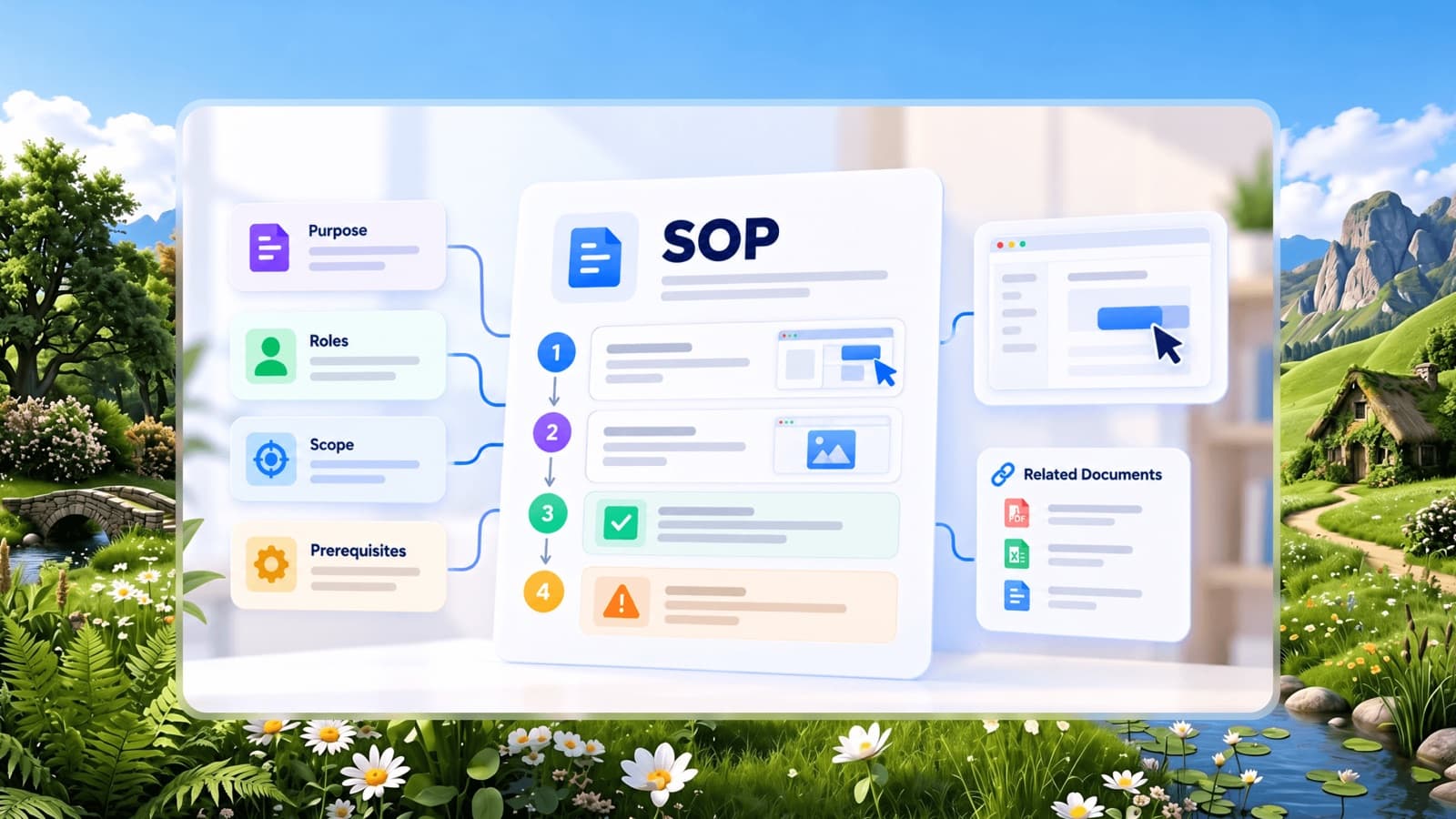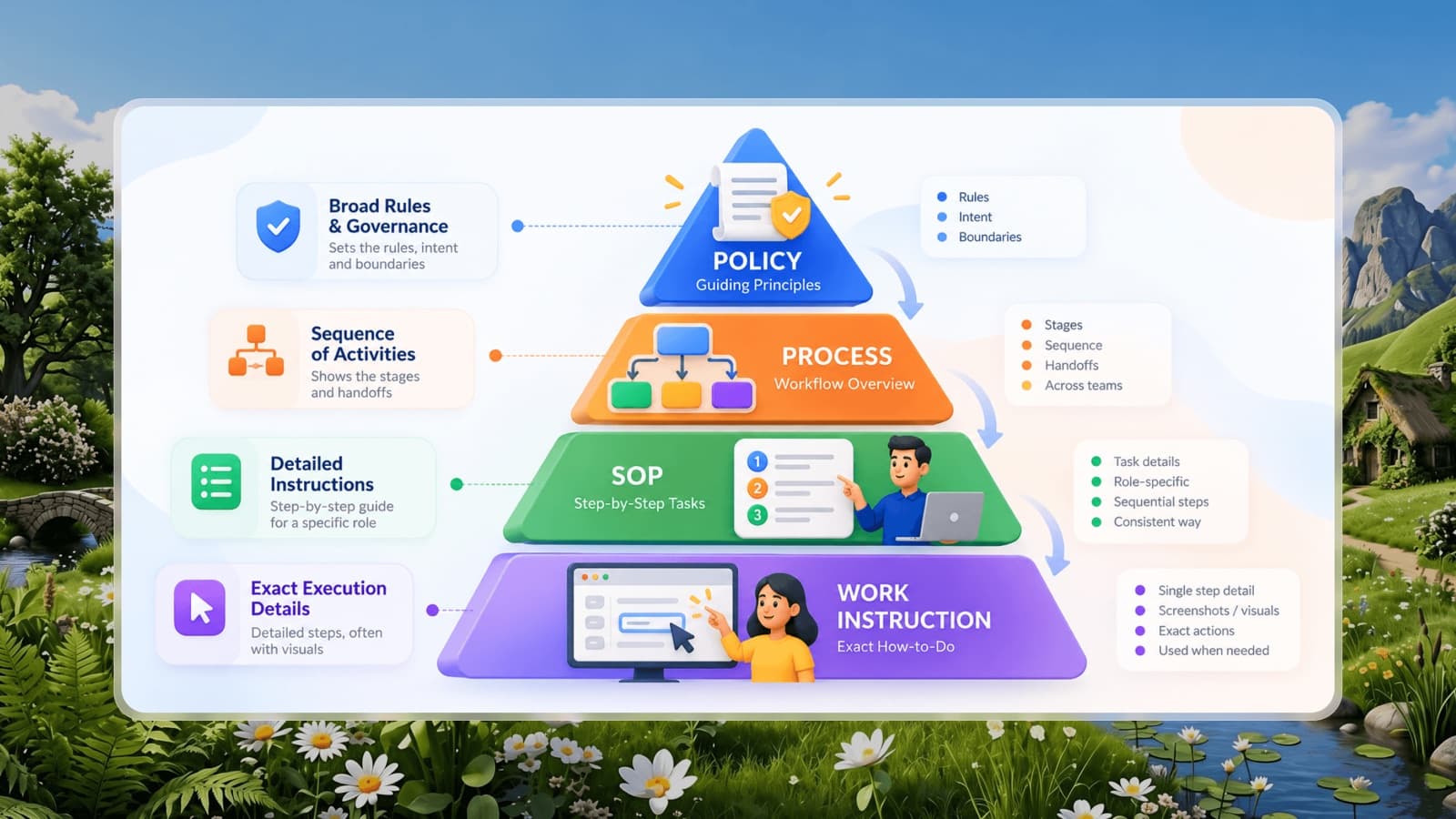


There is no single official SOP format, but most effective standard operating procedures share the same building blocks. Using a consistent format across your company means people learn to read SOPs once and can then find information in any of them quickly.
This article breaks down each section of a standard SOP format, explains the four main SOP styles, and gives you a template structure you can copy.
The standard SOP format at a glance
1. Title
Name the SOP after the task, using the words your team would search for. "Onboard a new employee in payroll" beats "HR-SOP-014". If you use document codes for audits, put the code beside the title, not instead of it.
2. Document control
A small block that keeps the SOP trustworthy:
- SOP ID and version (e.g. FIN-003, v2.1)
- Owner - the role responsible for keeping it accurate
- Approved by - for regulated processes
- Effective date and next review date
- Change log - one line per change: date, what changed, who changed it
3. Purpose
One or two sentences on why the task exists and what outcome it protects. Purpose helps people make sensible decisions in situations the SOP doesn't cover.
Example: "To make sure every supplier invoice is checked against a purchase order before payment, so we never pay for goods we didn't order or receive."
4. Scope
State where the SOP applies and, just as importantly, where it doesn't. "Applies to all online orders shipped within India. Wholesale and export orders follow SOP-SAL-007."
5. Roles and responsibilities
List each role involved and what it is responsible for in this process. For multi-person processes, a short RACI table works well:
6. Definitions
Only include terms a new employee might not know - internal jargon, abbreviations, system names. Skip this section if there are none.
7. Before you start
Everything needed before step 1: system access, documents, tools, safety equipment or approvals. This avoids people getting halfway through and discovering they can't finish.
8. Procedure
The heart of the SOP. Follow the rules from our guide to writing SOPs: numbered steps, one action per step, starting with a verb, with decisions inside the step where they happen and screenshots wherever someone has to find something.
9. Warnings and quality checks
Call out steps where a mistake is costly and describe how to check the work - for example "Confirm the total matches the PO before clicking Approve". Place critical warnings directly above the step they relate to, not only in a separate section.
10. Troubleshooting
A short list of the problems people actually encounter and what to do. Collect these from real questions - the first month after publishing an SOP will give you most of them.
11. Related documents
Link to the SOPs that come before and after, relevant policies, forms and templates.
The four SOP styles (and when to use each)
The procedure section can take different shapes depending on the task.
Checklist SOP
A simple list of items to complete, where order doesn't matter much.
Best for: opening and closing routines, cleaning, inspections, pre-launch checks.
Step-by-step SOP
Numbered, sequential instructions.
Best for: most software tasks and routine procedures with a fixed order, like processing a refund or creating an invoice.
Hierarchical SOP
Main steps with sub-steps underneath (1, 1.1, 1.2…).
Best for: longer procedures where each major step contains several detailed actions, such as machine setup or month-end closing.
Flowchart SOP
A diagram of decisions and branches.
Best for: processes with many decision points, like handling customer complaints or triaging IT issues. Pair the flowchart with written steps for each branch.
Copyable SOP template
Use this skeleton as the starting point for every SOP in your company:
- Title: [Verb] [task] [in system/location]
- Document control: ID, version, owner, approved by, effective date, review date
- Purpose: Why this task matters in one or two sentences
- Scope: Applies to… / Does not apply to…
- Roles: Role - responsibility in this process
- Before you start: Access, tools, documents needed
- Procedure: Numbered steps with screenshots
- Quality checks: How to confirm the task was done correctly
- Troubleshooting: Problem - what to do
- Related documents: Links
Keep the format consistent, not rigid
A consistent format is valuable because people always know where to look. But don't force every section into every SOP - a two-minute checklist doesn't need definitions and a change log. Keep the required sections, drop the optional ones that add nothing, and let the task decide the style.
The easiest way to stay consistent is to build SOPs in a tool that applies the format for you, so writers can focus on the steps rather than the layout.