
Making an org chart looks easy - boxes and lines - until you try to agree on who actually reports to whom. The drawing takes minutes. The thinking behind it is what makes the chart useful.
This guide covers both: how to gather the right information, make the structural decisions, and build a clean chart you can share and update.
Step 1: Decide what the chart is for
The purpose shapes what you include:
- Onboarding and internal clarity: names, titles, teams, reporting lines.
- Restructuring or planning: add open positions, planned roles and headcount per team.
- Investor or client presentations: leadership and department heads only, often without individual staff.
- Operational reference: add locations or shifts for multi-site businesses.
Write the purpose down in one sentence. It stops the chart from turning into a directory of everything.
Step 2: Gather the information
Create a simple list - a spreadsheet works well - with one row per person:
Pull this from payroll or HR records, then check it with managers. Official records often lag reality: people who moved teams months ago, or employees who formally report to one person but take direction from another.
Step 3: Resolve the unclear reporting lines
This is the most valuable step, and the one most people skip. You'll almost always find:
- People with two managers. Pick the primary manager - the one who sets priorities and reviews performance - and treat the other as a dotted line (or leave it off).
- People reporting to nobody. Freelancers, new hires or roles left over after someone left.
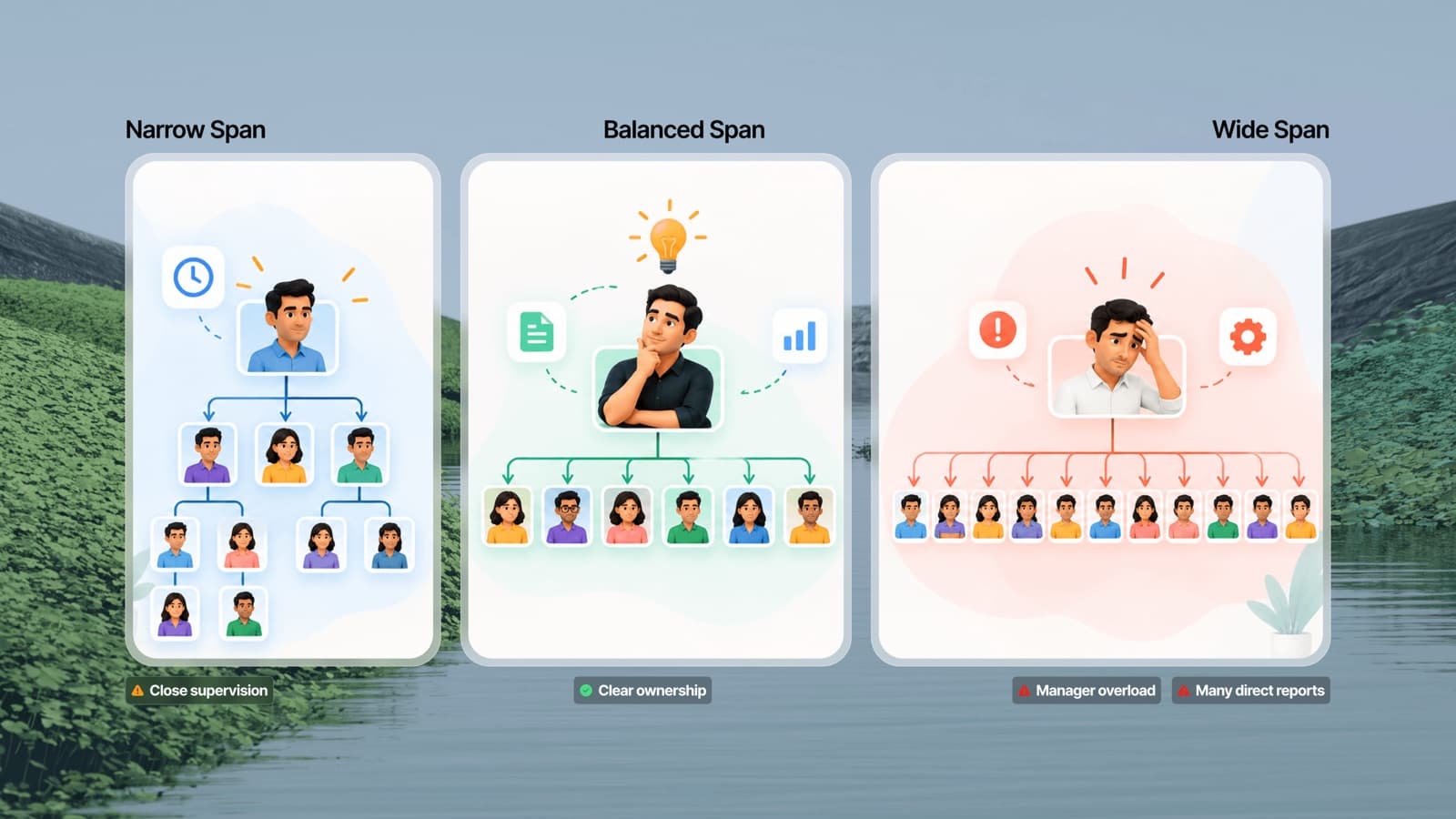
- Managers with too many direct reports. If one box has more than eight to ten lines below it, consider adding a team lead layer. Our guide to span of control explains how to judge this.
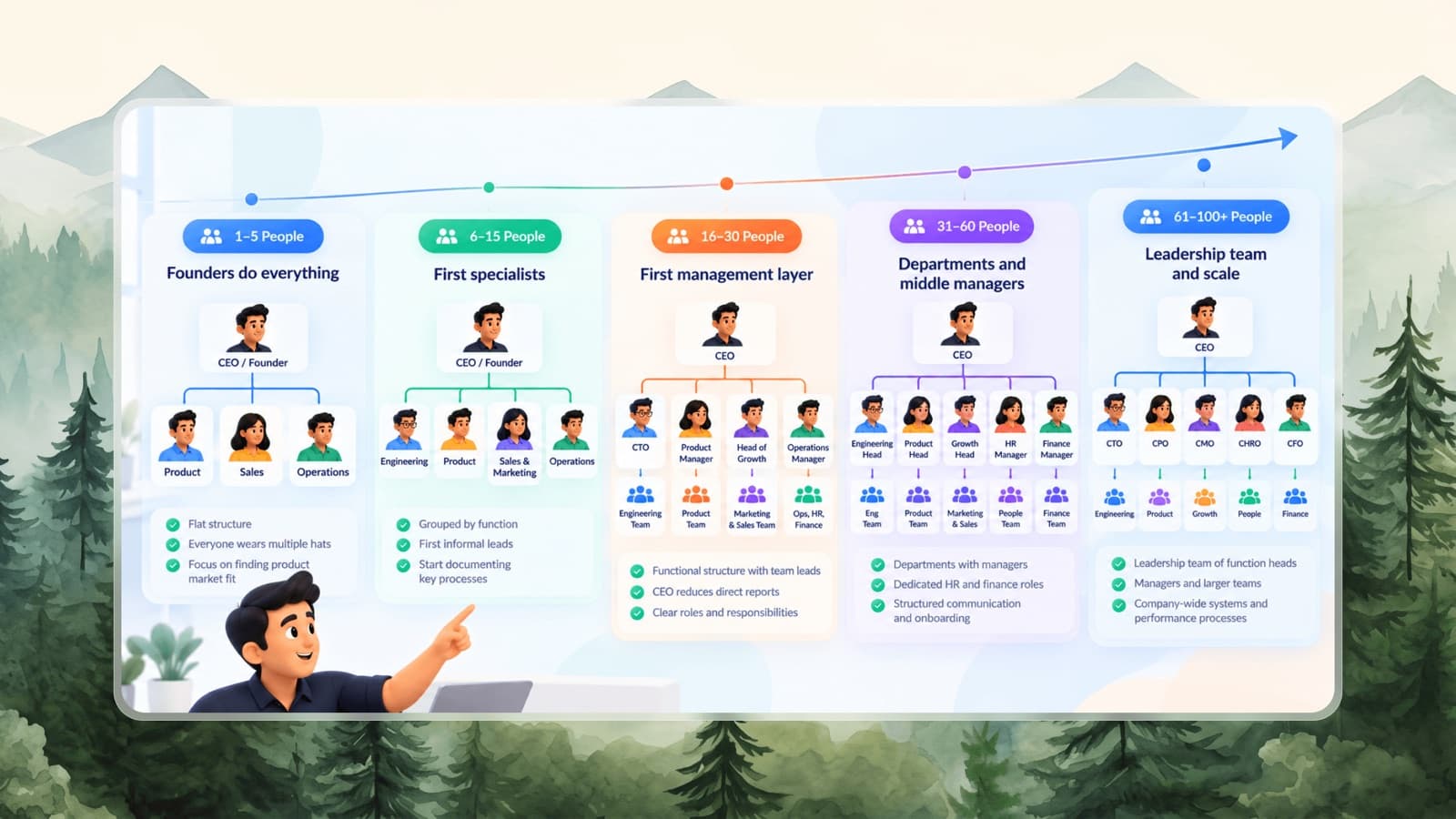
- Founders managing everyone. Common in small businesses, and usually the first thing to fix.
Decide these deliberately. The chart should reflect how you want the company to work, and you'll need to communicate any changes to the people affected.
Step 4: Choose a layout
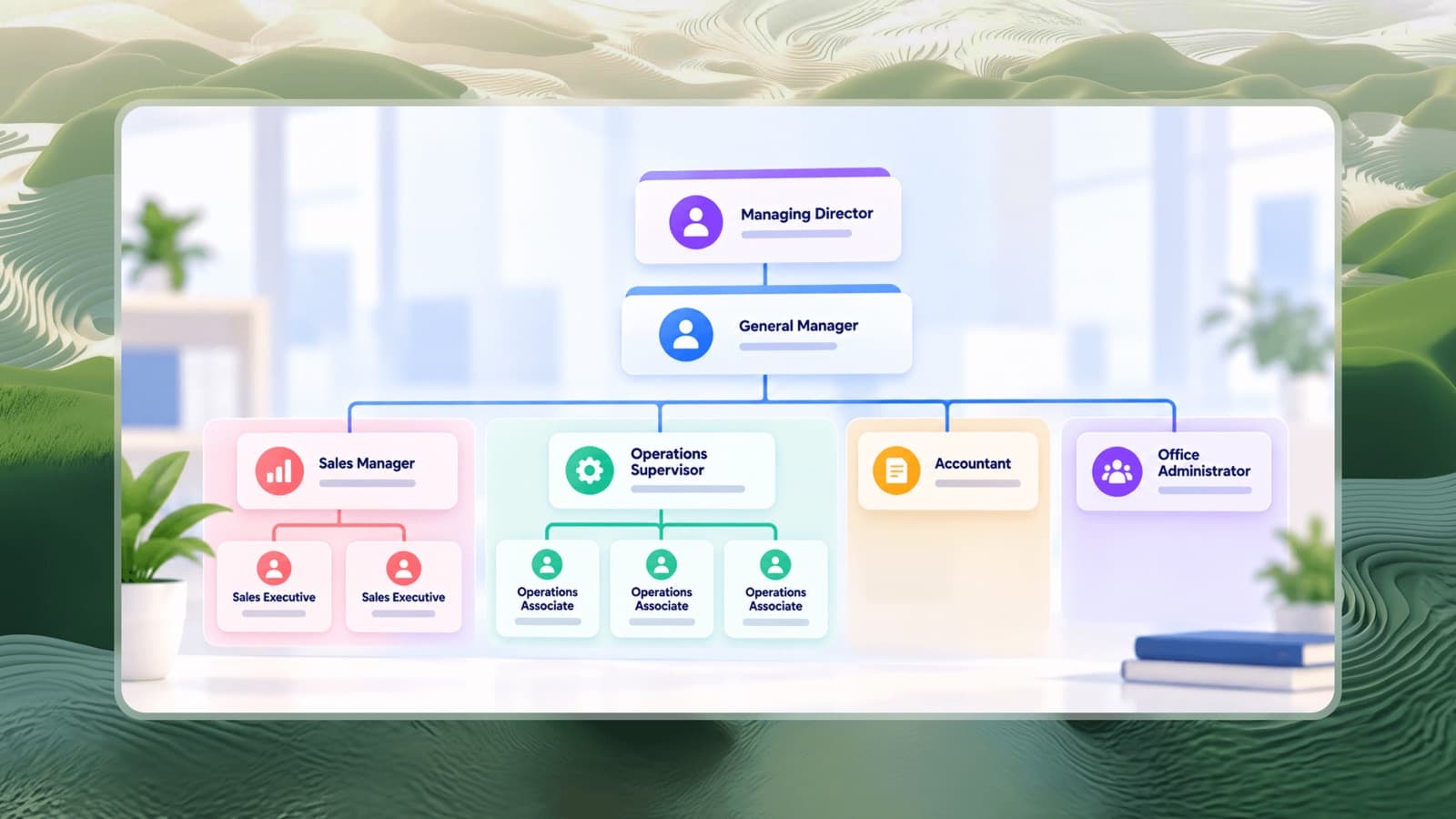
For most companies, a top-down hierarchical layout works best. Group people into teams by department so the chart stays readable as it grows. If you have multiple locations or brands, group by division first, then by department.
Not sure which structure fits? Read about the types of organizational structure.
Step 5: Build the chart
You have three main options:
- Presentation or drawing software. Flexible, but every change means moving boxes and redrawing connectors by hand.
- Spreadsheet-based diagram tools. Good for very large companies with HR data exports, but usually paid and fiddly to style.
- A dedicated org chart maker. Add people and teams under any box and the layout updates automatically.
To build one with the free Piplhr org chart maker:
- Pick a template close to your business - for example small business or software company - or start blank.
- Rename the company and leader by clicking the top boxes and choosing edit.
- Add teams under the leader for each department.
- Add people under each team, starting with the team head, then the people who report to them.
- Delete the template boxes you don't need - removing a box removes its branch.
- Download as PNG for presentations or PDF for printing and sharing.
The free maker doesn't save your chart, so download it when you're done, or create a free Piplhr account to save it and keep editing later.
Step 6: Share it and keep it current
An org chart only helps if people see it and trust it.
- Share it widely: in your handbook, onboarding pack and internal wiki.
- Name an owner - usually HR or the office manager - responsible for updates.
- Update it with every change: joiners, leavers, promotions and team moves.
- Review it quarterly with leadership to spot structural issues early.
Tips for a clearer org chart
- Keep job titles consistent - "Sales Executive" everywhere, not a mix of "Sales Exec", "BDE" and "Sales Associate" for the same role.
- Use colour to separate departments, not to decorate.
- Show open roles as boxes titled "Hiring: [Role]".
- For very large companies, create one company-level chart with department heads, and separate charts per department.
- Pair the chart with clear roles and responsibilities, so people know not just who reports to whom, but who owns what.